360 Review Template
Used 62,000+ times
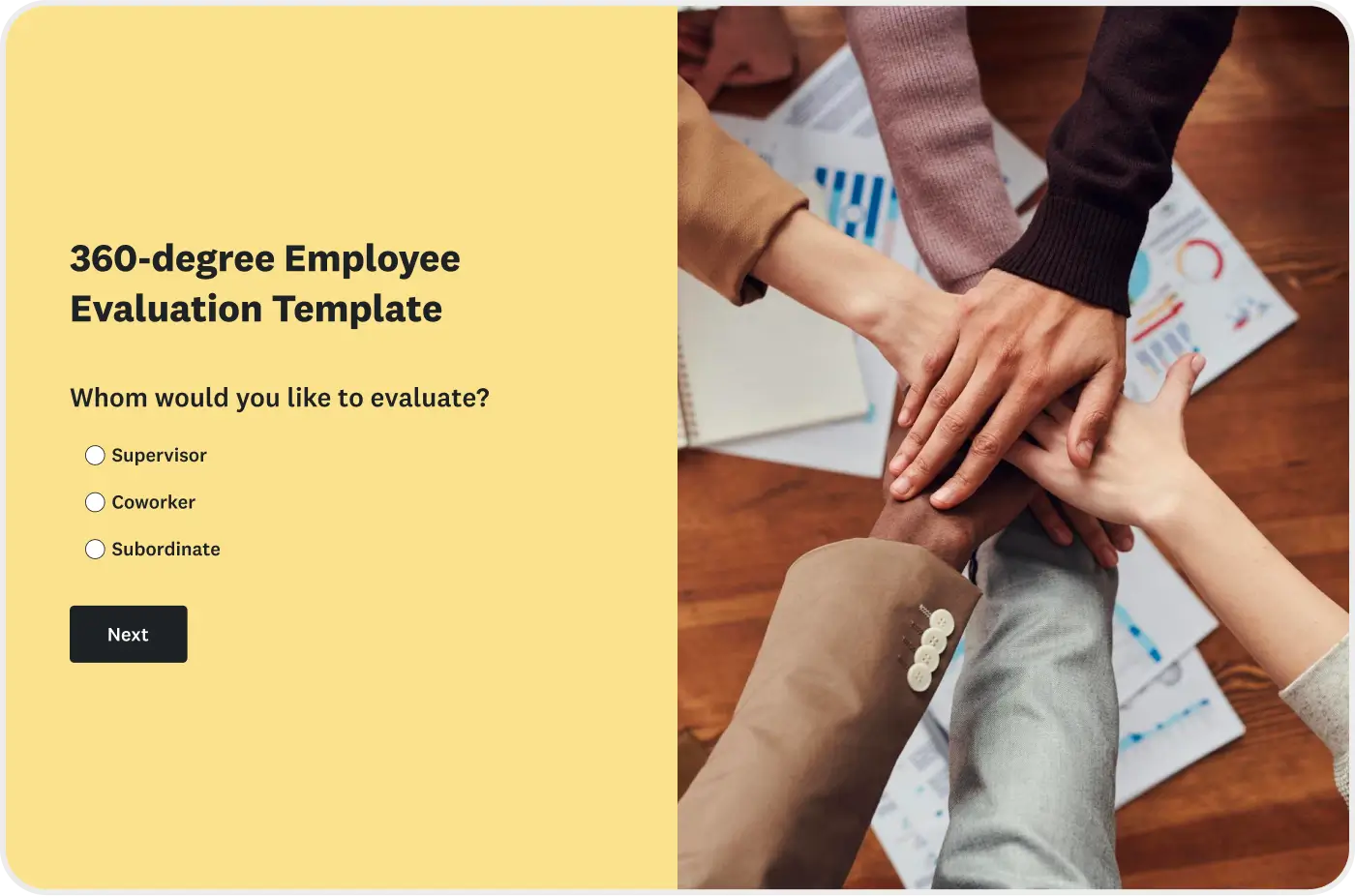
Use our expert-certified survey to provide reviews for supervisors, coworkers, and subordinates.
Use this free 360-degree Feedback Template to gather feedback from managers, peers, and direct reports in one consistent, role-aware survey. It includes rating scales, competency categories, and open-ended questions that help teams evaluate strengths, development areas, and day-to-day behaviors. Customize the template in SurveyMonkey to run a reliable 360 feedback process at any level.
What is a 360 review?
A 360 review is a structured, role-aware performance evaluation that collects feedback from an employee’s manager, peers, and direct reports based on shared competencies and observable behaviors. 360 reviews help teams understand strengths, development needs, and behavior patterns that shape day-to-day work.
How do 360 reviews improve performance?
The 360-degree review process significantly enhances professional performance by providing a holistic, multi-perspective view of an employee's competencies, behaviors, and impact across the organization.
By systematically aggregating feedback from multiple sources, the review mitigates individual rater bias. This creates a more objective and comprehensive assessment of strengths and weaknesses.
This perspective is crucial for fostering increased self-awareness in the employee, which directly enables the creation of highly targeted professional development plans focused on specific, verifiable behavioral changes that drive measurable performance improvement.
What’s in this 360 Review Template
This comprehensive 360 Review Template is structured to tell a cohesive performance story across any role by combining a standard rating scale with targeted questions.
- Rating scales: A clear, consistent 5-point Likert-scale is used.
- Core competency categories: Questions are organized into essential behavioral areas, including communication, leadership, collaboration, problem-solving and decision-making, and core values.
- Open-ended prompts: Dedicated space is provided for qualitative insight, including prompts for strengths, actionable start/stop/continue feedback, and requests for specific examples that explain quantitative ratings.
- Role-aware paths: The system utilizes distinct survey routes for supervisors, peers, and direct reports, ensuring each reviewer sees only the questions relevant to their relationship with the employee being evaluated.
This structure provides HR teams with highly reliable, context-specific data and prevents reviewers from having to guess which questions apply to their role.
How to use this 360 Feedback Template
The 360 Review Template is specifically designed so HR teams can focus entirely on people development, not procedural mechanics. Each step in the process builds efficiently toward a clear, objective evaluation supported by reliable data and actionable direction.
Step 1: Select participants
A meaningful 360 review requires diverse input. The ideal mix typically includes the person’s manager, 3–5 peers, and 2–4 direct reports. This balance of perspectives is critical for diluting outlier responses and ensuring a comprehensive view. Most HR teams aim for 6–10 total reviewers to maximize validity.
Step 2: Customize competencies
Align the template’s core categories with your organization’s specific needs. Map competencies directly to company values, departmental expectations, or level-specific responsibilities. Because the survey platform supports branching logic, each group of reviewers (Manager, Peer, Direct Report) will only see the competencies most relevant to their relationship with the individual.
Step 3: Send and collect
Use automated email invitations, strategic reminders, and guaranteed anonymous response settings to maintain steady participation. Most teams establish a 2-week review window, providing reviewers ample time to provide thoughtful, specific examples rather than rushed, generic comments.
Step 4: Analyze and discuss
Use survey platform summaries to instantly highlight rating patterns and recurring themes. Comparing the employee's self-rating to the collective feedback reveals where perceptions align and where they critically diverge. These insights are essential for shaping a development plan grounded in real behaviors, not general impressions.
HR teams often apply two norms for fairness and reliability:
- Anonymity: Direct reports and peers usually respond anonymously to encourage candid feedback.
- Minimum rater counts: Reports from a group are typically shown only when at least three responses are collected.
These practices help reviewers speak honestly while protecting individual identities.


Programs connect multiple surveys to show you trends. Available on Advantage plans and higher.
360 review questions
Below is a condensed set of "must-ask" items covering the competencies most commonly assessed by high-performing teams. Each category includes a strategic blend of scaled questions for quantitative analysis and open-ended questions for rich qualitative feedback. Notes indicate where items are most applicable (Individual Contributor, Manager, Leader).
Communication
- Shares information clearly and concisely. (IC/Manager/Leader)
- Adapts communication style to the audience or situation. (IC/Manager/Leader)
- Provides timely updates that help others move work forward. (IC/Manager/Leader)
- Listens actively and checks for understanding. (IC/Manager/Leader)
- Communicates decisions with helpful context. (Manager/Leader)
- Presents ideas in a logical, easy-to-follow way. (IC/Manager/Leader)
- Responds to questions or issues with clarity and patience. (IC/Manager/Leader)
- Encourages open dialogue and makes space for differing viewpoints. (Manager/Leader)
- Open-ended: What strengths does this person demonstrate in their communication? (All)
- Open-ended: Share an example of a communication moment that helped (or could have helped) the team. (All)
Collaboration
- Contributes consistently to team goals. (IC/Manager/Leader)
- Works well with colleagues across teams or functions. (IC/Manager/Leader)
- Demonstrates reliability in meeting shared commitments. (IC/Manager/Leader)
- Offers help proactively when workloads shift. (IC/Manager/Leader)
- Encourages constructive debate and resolves conflict professionally. (IC/Manager/Leader)
- Builds trust by following through on agreements. (IC/Manager/Leader)
- Shares credit and recognizes others’ contributions. (IC/Manager/Leader)
- Brings in the right people when solving cross-team challenges. (IC/Manager/Leader)
- Open-ended: Describe how this person supports collaboration within or across teams. (All)
- Open-ended: What could this person do to strengthen collaborative relationships? (All)
Leadership and people management
- Provides clear direction and sets expectations that others can act on. (Manager/Leader)
- Creates an environment where team members feel comfortable speaking up. (Manager/Leader)
- Coaches others and supports skill development. (Manager/Leader)
- Gives actionable, timely feedback. (Manager/Leader)
- Delegates appropriately and follows up without micromanaging. (Manager/Leader)
- Makes decisions that balance team needs with organizational priorities. (Manager/Leader)
- Addresses performance issues directly and constructively. (Manager/Leader)
- Recognizes and celebrates team achievements. (Manager/Leader)
- Open-ended: Share a moment that demonstrates this person’s leadership strengths. (Manager/Leader)
- Open-ended: Which leadership behaviors would you encourage this person to start, stop, or continue? (Manager/Leader)
Problem-solving and decision-making
- Breaks down complex issues into clear, manageable steps. (IC/Manager/Leader)
- Approaches problems with curiosity and a willingness to test new ideas. (IC/Manager/Leader)
- Uses data, evidence, or customer input to inform decisions. (IC/Manager/Leader)
- Anticipates risks and adjusts plans as needed. (IC/Manager/Leader)
- Balances short-term needs with long-term implications. (Manager/Leader)
- Involves the right stakeholders before making key decisions. (Manager/Leader)
- Demonstrates sound judgment under pressure. (IC/Manager/Leader)
- Communicates the reasoning behind decisions. (Manager/Leader)
- Open-ended: Describe how this person approaches complex or unfamiliar problems. (All)
- Open-ended: Share an example of a well-reasoned decision this person made. (All)
Core values
- Demonstrates accountability in daily work. (IC/Manager/Leader)
- Models respect in interactions with colleagues, customers, and partners. (IC/Manager/Leader)
- Supports an inclusive and welcoming environment. (IC/Manager/Leader)
- Handles disagreements or challenges with professionalism. (IC/Manager/Leader)
- Upholds commitments and follows through reliably. (IC/Manager/Leader)
- Acts with integrity, even in challenging situations. (IC/Manager/Leader)
- Makes decisions aligned with organizational values. (Manager/Leader)
- Contributes positively to the organization’s culture. (IC/Manager/Leader)
- Open-ended: Which core values does this person demonstrate most consistently? (All)
- Open-ended: Where could this person better align behaviors with company values? (All)
Turn 360 review results into a clear development plan
Once responses are collected, the next step is turning feedback into a development plan. Three practices help the results spark meaningful growth:
- Identify themes: Look for recurring patterns in ratings and comments across reviewer groups.
- Compare self vs. others: Gaps highlight where expectations differ or where strengths are recognized externally but undervalued internally.
- Set 2–3 development goals: Focus on behaviors that have the greatest impact on collaboration, culture, or role expectations.
SurveyMonkey offers summaries, filters, text analysis, and export options that help HR teams interpret 360-degree feedback with confidence. These practices ensure the review becomes part of an ongoing growth cycle rather than a one-time exercise.
Explore related templates


Explore which features support this survey template
We have so many powerful features to help you launch surveys quickly, but here are our most popular ones for new users.
Customizable survey experiences
Out-of-the-box themes, accessible color palettes, custom fonts, branding, and more.
Many ways to send your surveys
Collect survey responses via email, website, SMS, social media, QR codes, offline, and more.
Survey analysis, no training required
Automatic results summaries, filters, custom dashboards, crosstab reports, text analysis, & more.
Additional resources to help you launch successful survey projects

Success Stories
Read about our customers, explore webinars, and get guides on collecting feedback in your industry.

Blog
Get tips on how to create better surveys, hear the latest product news, or check out our research.

Help Center
Access tutorials on how features work, learn more about billing, and contact Customer Support.